Wake
Porcupine listens locally for the configured keyword model.
LOCAL DEVICE AURAView source
 EXPERIMENTAL · LOCAL DEVICE PROTOTYPE
AURA explores hands-free interaction with spoken questions and an optional camera request, using a Python command-line prototype.
Presentation site only. It does not access a microphone, camera, or AI provider. Run the prototype on a configured local machine.
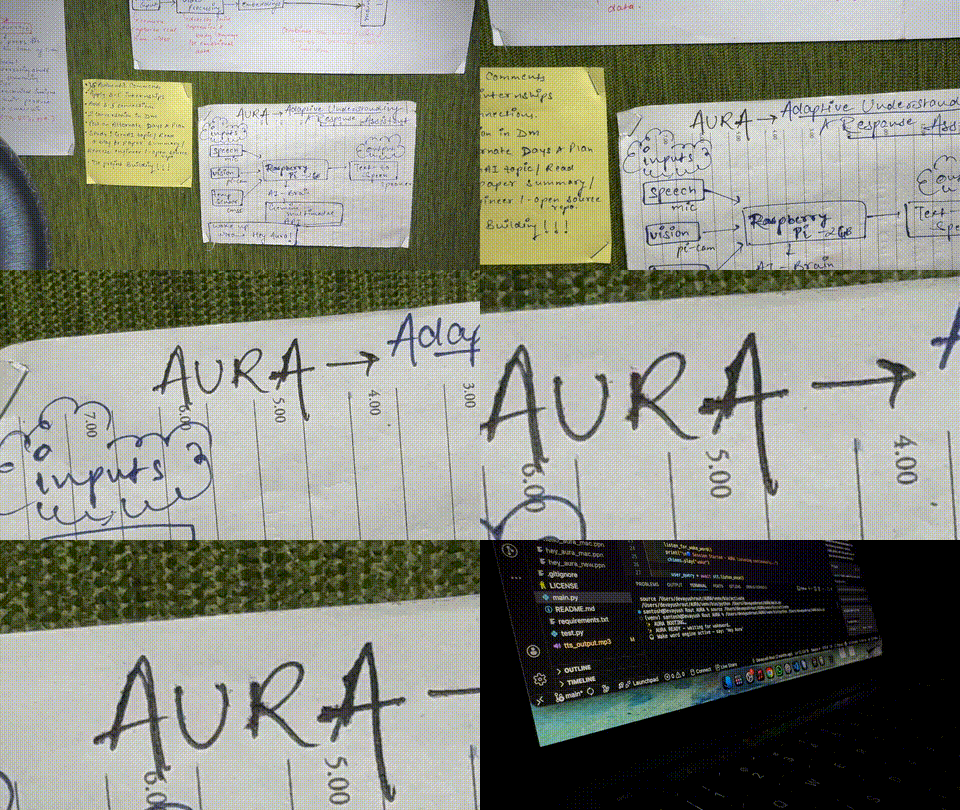
Speech input → intent routing → optional visual context → spoken response
One request per wakeword01 / INTERACTION
The application runs in a terminal and coordinates local device access with external speech and AI services.
Porcupine listens locally for the configured keyword model.
LOCAL DEVICEMicrophone audio is streamed to Deepgram for transcription.
EXTERNAL SERVICEGroq routes the request; an explicit visual request may invoke the camera path.
EXTERNAL SERVICEA response is spoken through the local audio output.
LOCAL DEVICE02 / SYSTEM MAP
The camera route captures a still image only for a visual request and sends it to Groq without an in-app preview. Review provider privacy terms before use.
Read architecture in the READMEImages are stored temporarily under ignored .runtime/ during the vision request, then removed on success or failure.
03 / GET STARTED
This is a hardware and credential-dependent prototype. The complete flow was not verified during this review.
Use Python 3.10 or newer and install the repository requirements on your target platform.
Configure Groq, Deepgram, and Picovoice credentials in config/.env.
Obtain the platform-specific Porcupine keyword file; it is not included in the repository.
Connect a microphone, camera, and speaker, then run the CLI.
python3 -m venv .venv
source .venv/bin/activate
python -m pip install -r requirements.txt
cp config/.env.example config/.env
python main.py
Audio packages and devices may need platform-specific setup.
BOUNDARIES